
PowerPoint teaching materials <Operation in Content Management (old)
Files created with PowerPoint can be uploaded directly to learningBOX as content.
*The option, "PowerPoint Material Import," is required to use this function.
*For more details, refer to Pricing.
Import PowerPoint content
Required
PowerPoint import options, content management editing permissions
01. Create a course
Select Manage contents in the side menu.
Click on the "+" icon > "Course"
Enter a course title and save it.
*If you want to create content in an existing course, go to #02.
02. Open the PowerPoint upload page
Click on the course you have created.
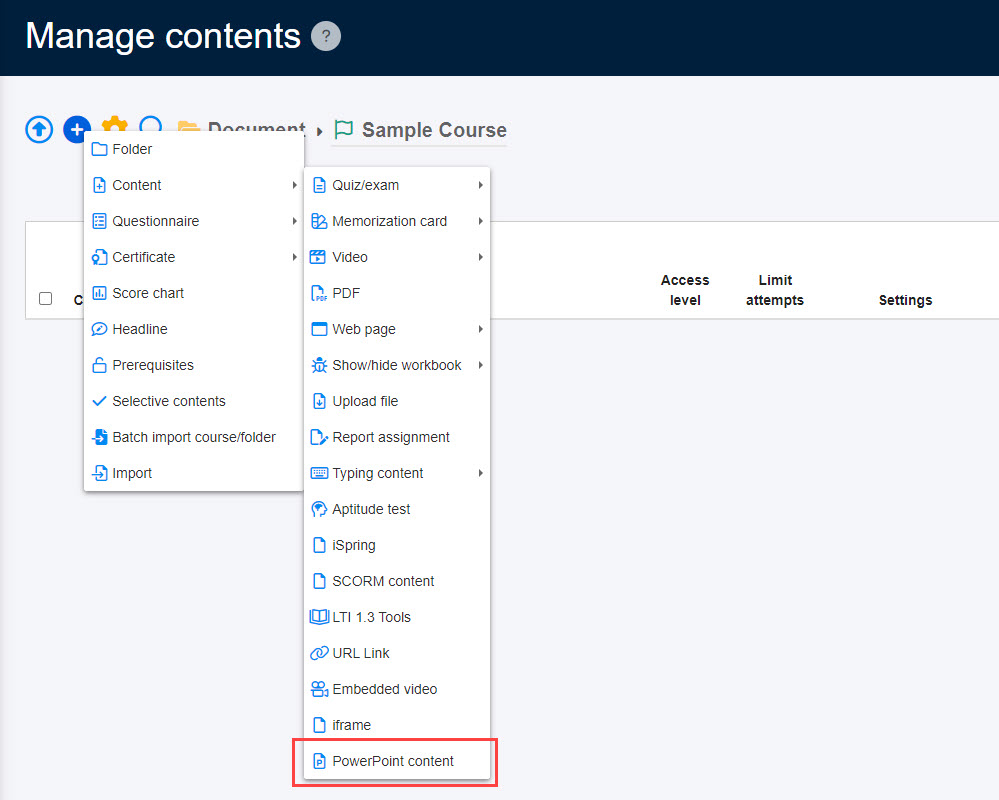
Click on the "+" icon > Content > PowerPoint content
03. Upload CSV file
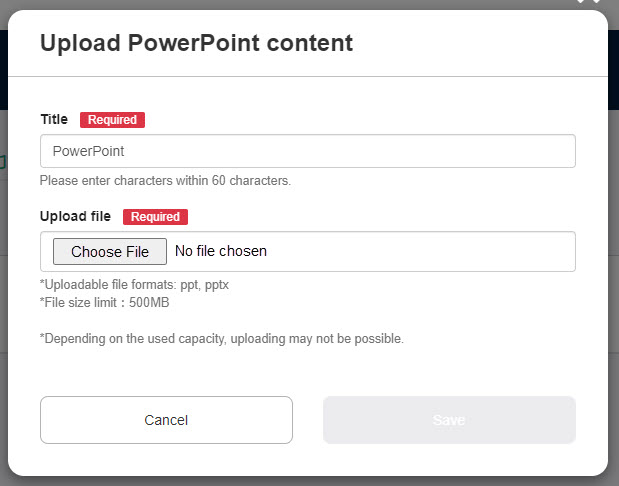
Enter a title and select a PowerPoint file from "Choose File."
Click Save to finalize.
User interface
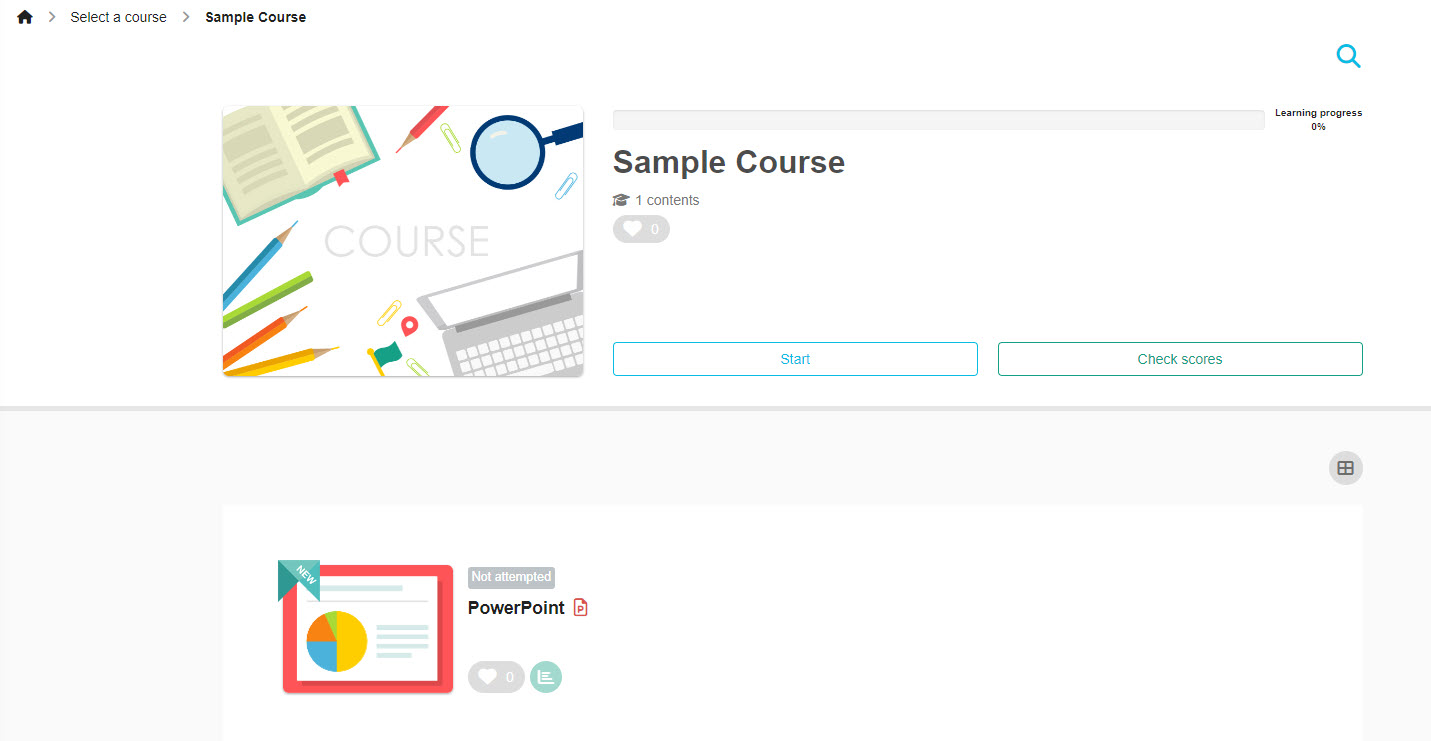
01. Select a course
Click on the PowerPoint content you have created.
02. User interface
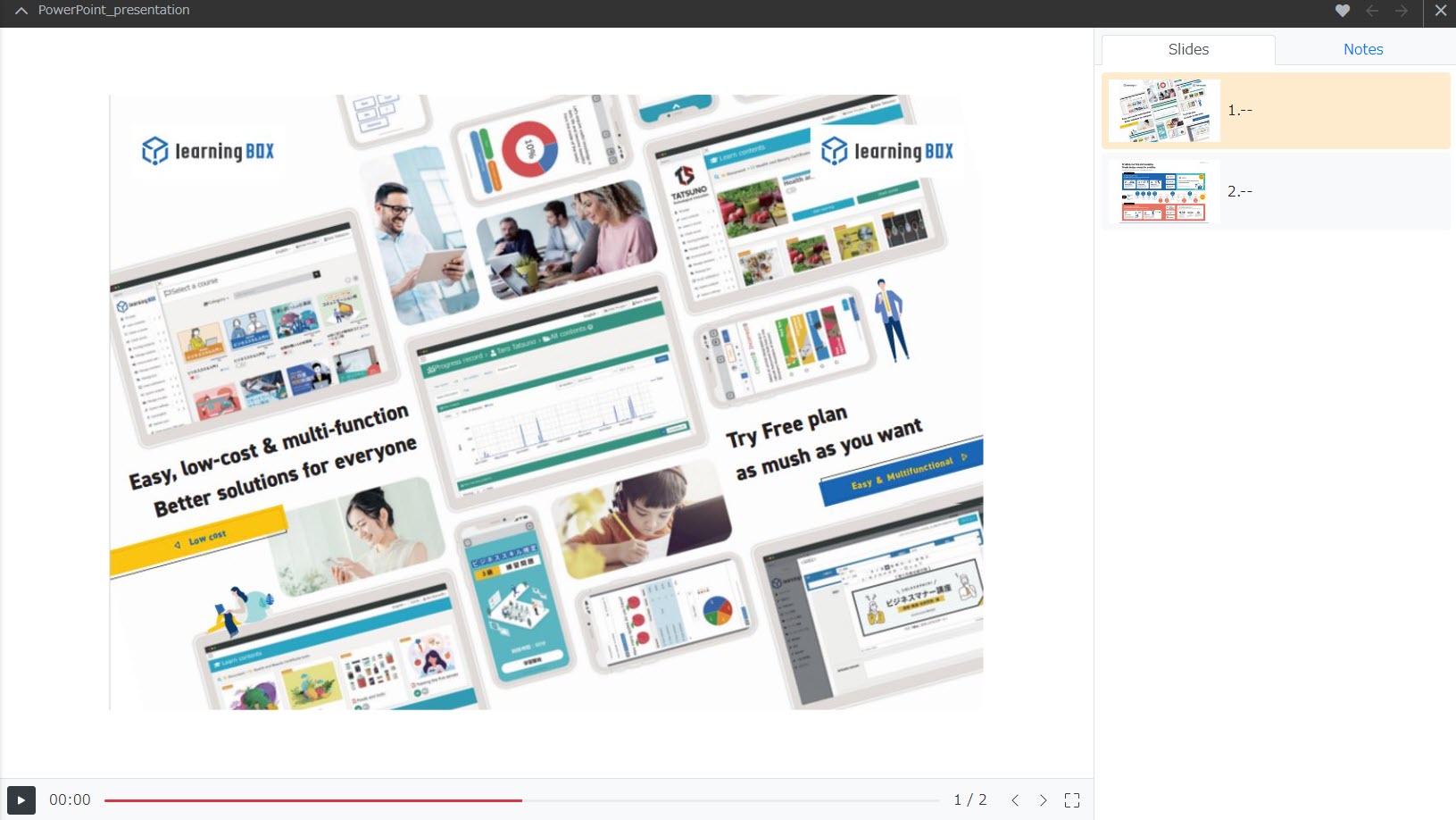
Slides will be displayed on the right, and can be switched by clicking the arrow icons.
When an audio file does not play
*For more details, refer to 【PowerPoint content】How to solve Audio file not playing.