manifest.json settings
Enabling this creates a Progressive Web App (PWA) framework, allowing learners to install learningBOX directly onto their smartphones as a standalone app.
Users can then launch the platform instantly from their home screen without opening a web browser.
Instructions
01. Setting of each item
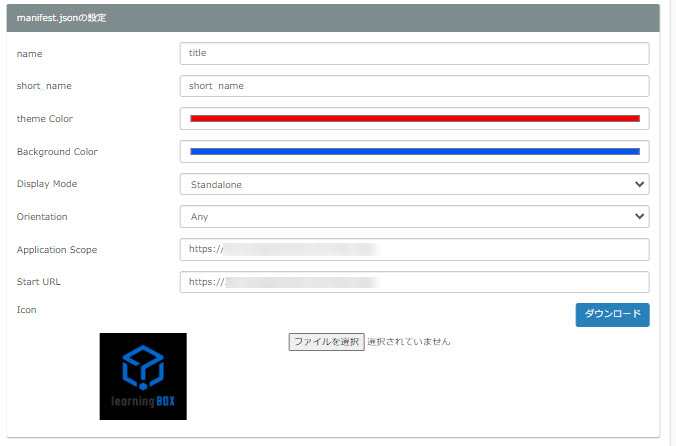
As an example, set up as shown in the image below.
Please upload the image to be set as the icon from "Select File".
Uploaded images can also be downloaded from the "Download" button.
02. Application installation
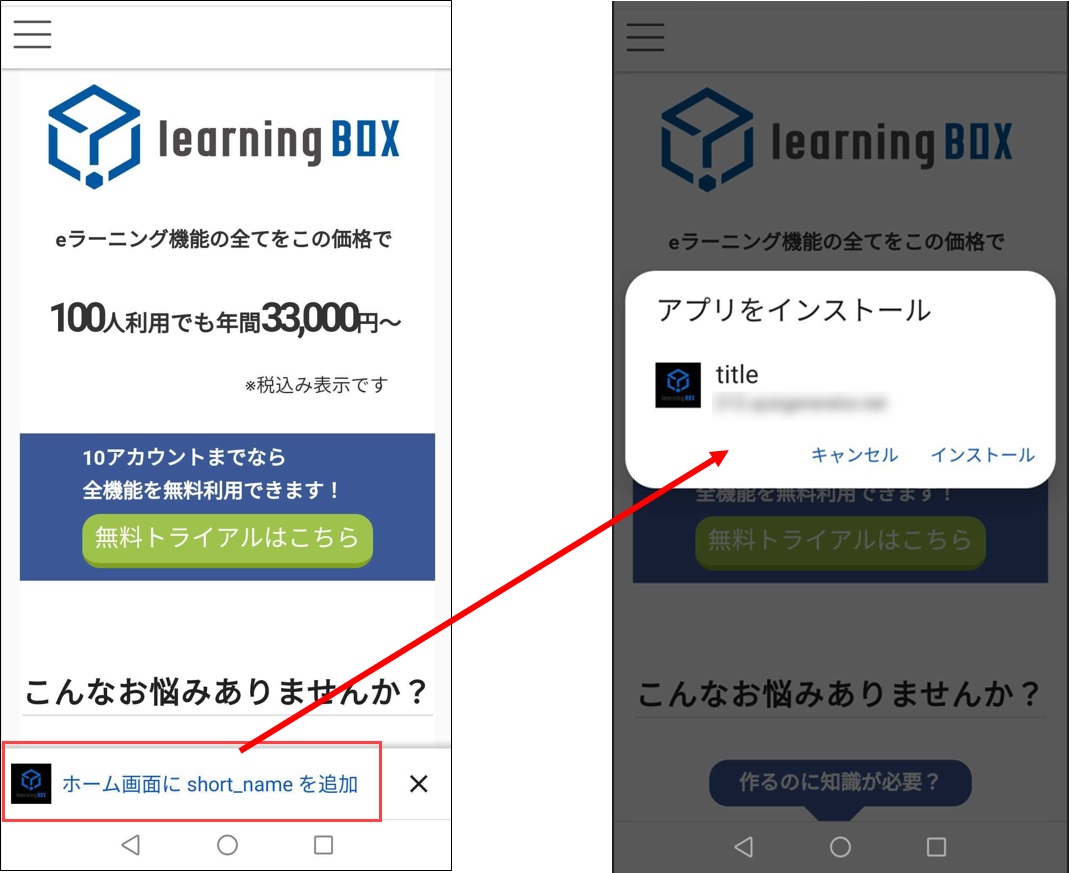
When accessing the site from a smartphone, the following image is displayed at the bottom of the screen.
Click here to install, and the icon will be added to your home screen.
03. Add to Home Screen
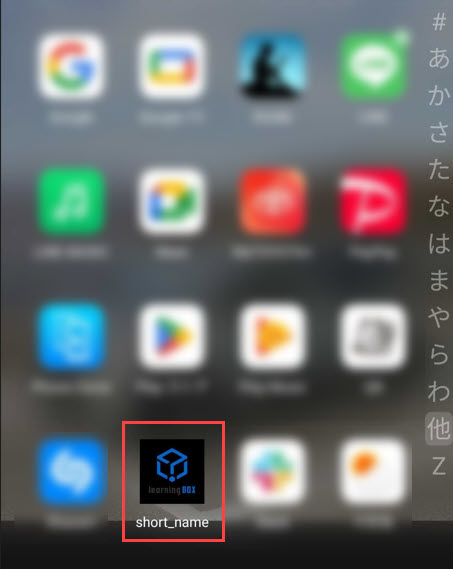
Once installed, the icon will be added to the home screen.
04. Access from icons
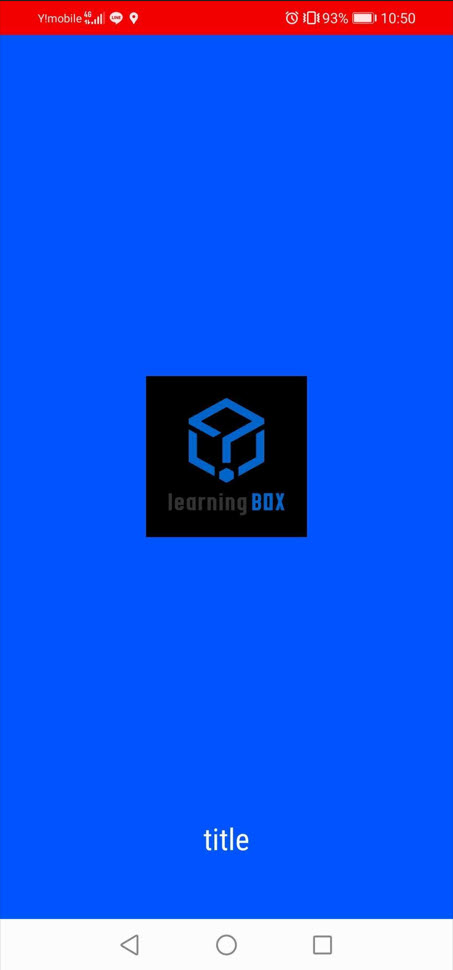
By clicking the icon on the home screen, you can access the relevant site via the following screen.
The color set here will be reflected.