Two-factor authentication
Two-factor authentication via email is available when logging into learningBOX.
*Select "System Settings" > "Security Settings" from the side menu to open the "Security Settings" screen.
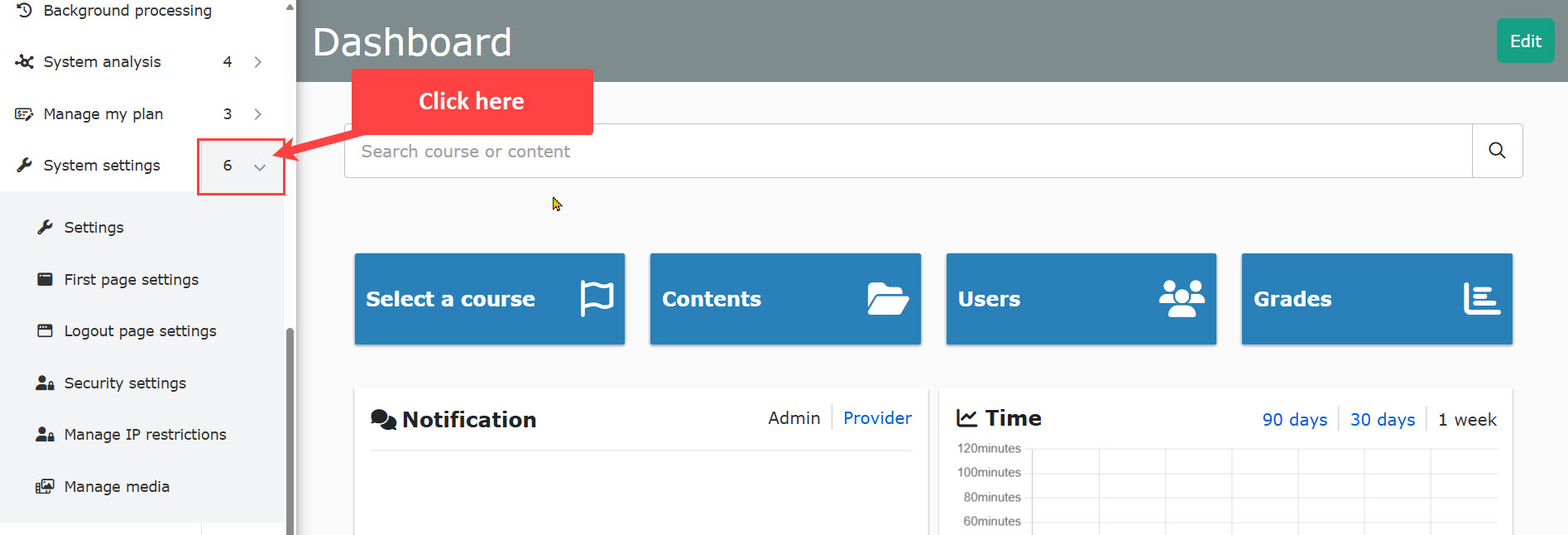
Table of Contents
How to set
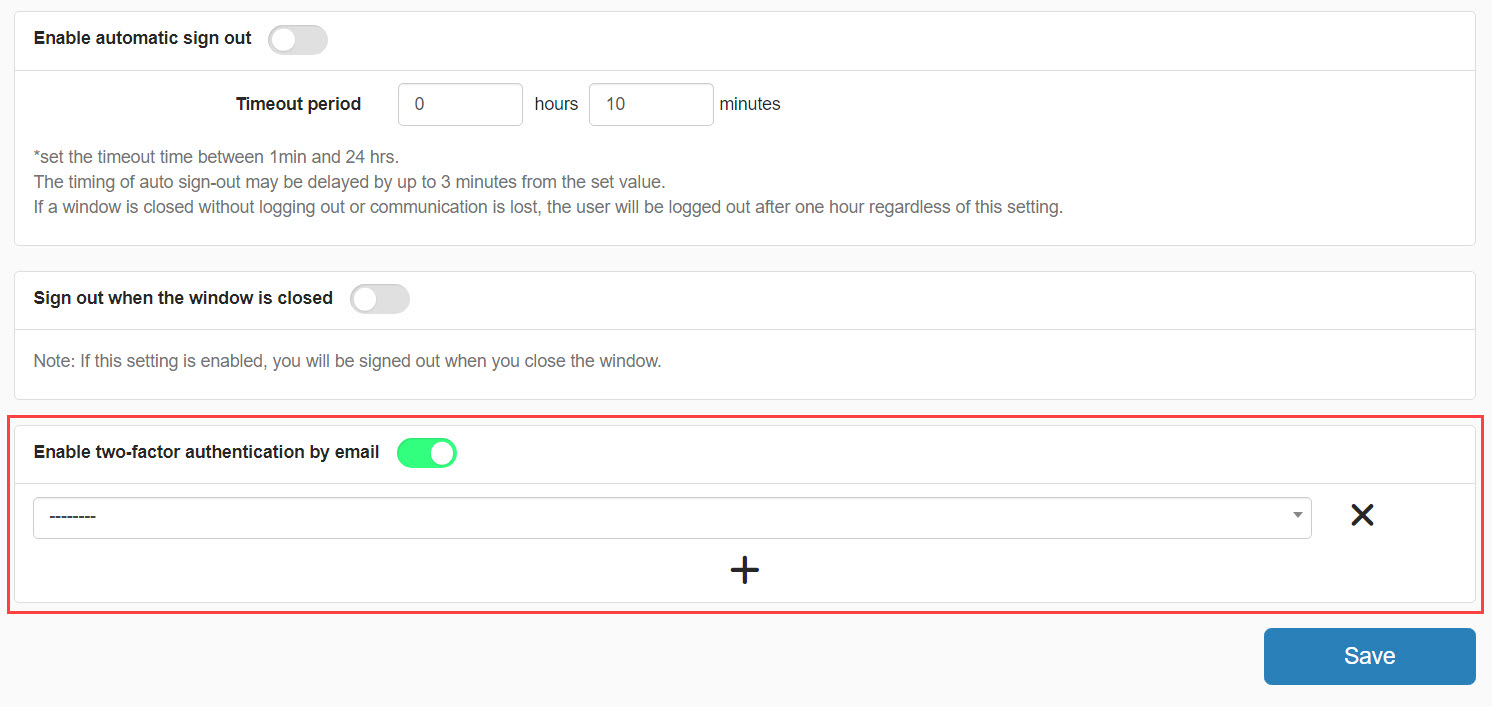
To use, first turn the toggle On.
Next, select from the pull-down menu the target group for which two-factor authentication is to be used.
Multiple groups can be selected.
Click on the "+" icon to add a setting.
You can delete a setting by clicking on the ✕ button.