
AI Assist -Flashcards <Operation in the Manage contents (Old)>
AI will automatically generate flashcards.
Required
Management role of Content manager (Edit)
AI Assist
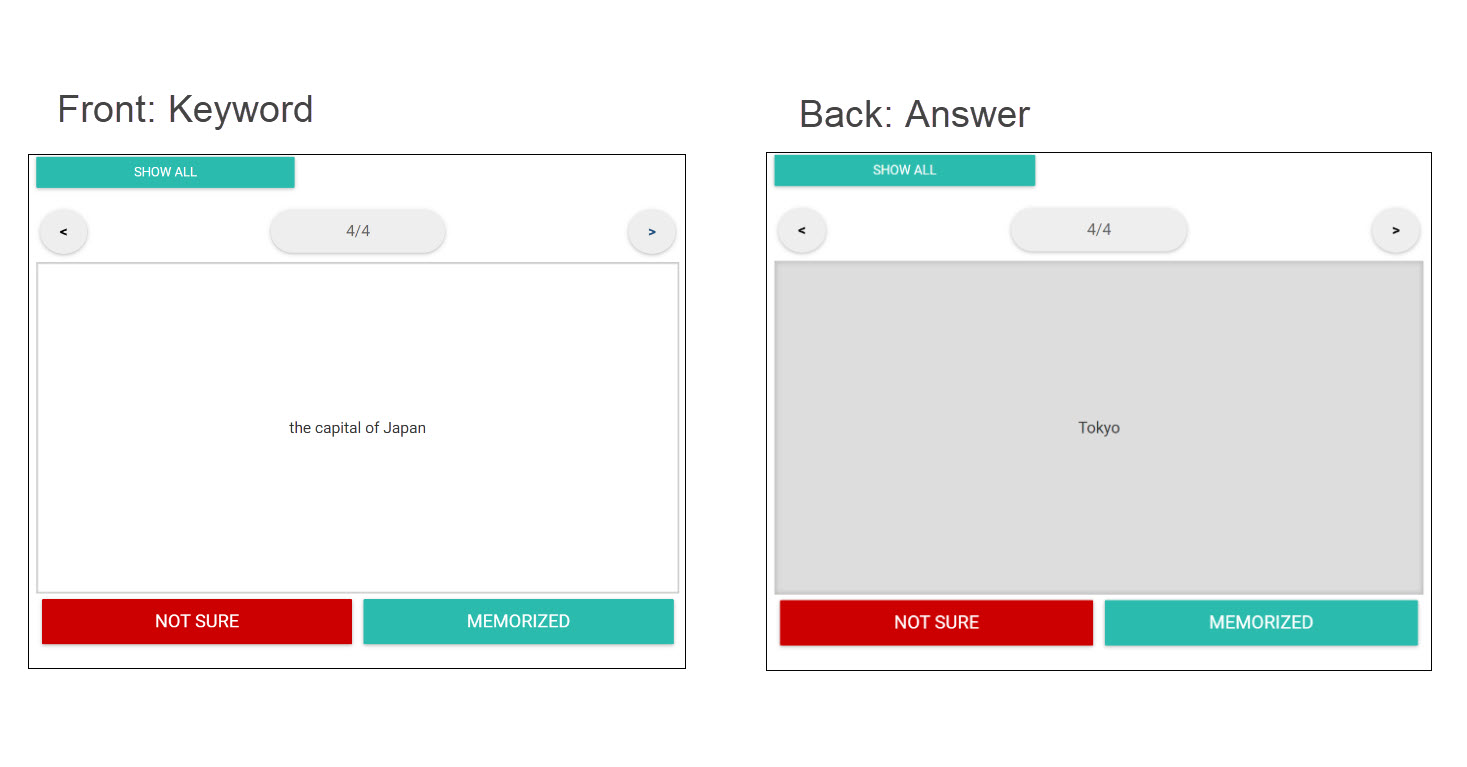
AI automatically generates front and back sides of flashcards.
AI generates flashcards from a video, PDF or Web pages registered in your learningBOX, or from text or URL.
Source data
The following table shows the source data when AI generates flashcards.
| Video | Audio data of the video *Image data will not be reflected. |
| Text data | |
| Web page | Text data |
| Text | Entered text |
| URL | Websites: Text data extracted by scraping YouTube: Subtitles in the video |
*Scraping refers to the extraction from a website, and export in a structured format.
Create flashcards with AI Assist
The following explain how to create flashcards using AI Assist.
*For the basic information on the flashcard creation, refer to Flashcards.
01. Go to Manage content
Go to the Manage contents > + icon > Content > Flashcards > Create.
Click on the wand icon.

02. Select source content
Select source content from the list to generate flashcards with AI.
If you wish to use a question-and-answer format, tick the box in the red frame below.

03. Generated results
Click "Generate with AI."
*To retry, click "Delete all" first.
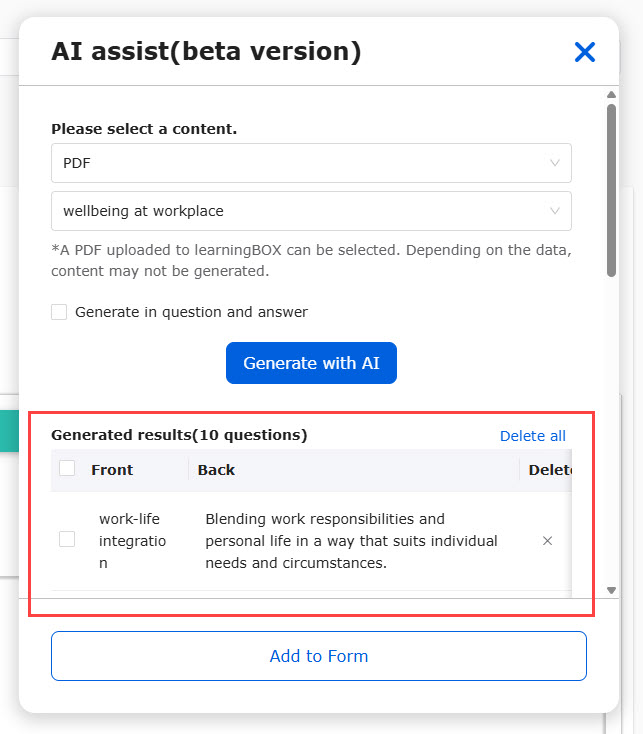
Tick the items you wish to add to the form and click "Add to Form."
*Click "Swap front and back" if necessary.

04. Save
The items you selected will be added to the form.
Save the content to finish.
Types of the save button:
・Publish: Saved and publish to assigned users once the cards are saved.
・ Save to "Private": The content is saved but will not be displayed to users.
Usage limit
AI Assist has a usage limit depending on your contract.
Note that each use will be counted when you use AI.
*For more details, refer to AI Assist.