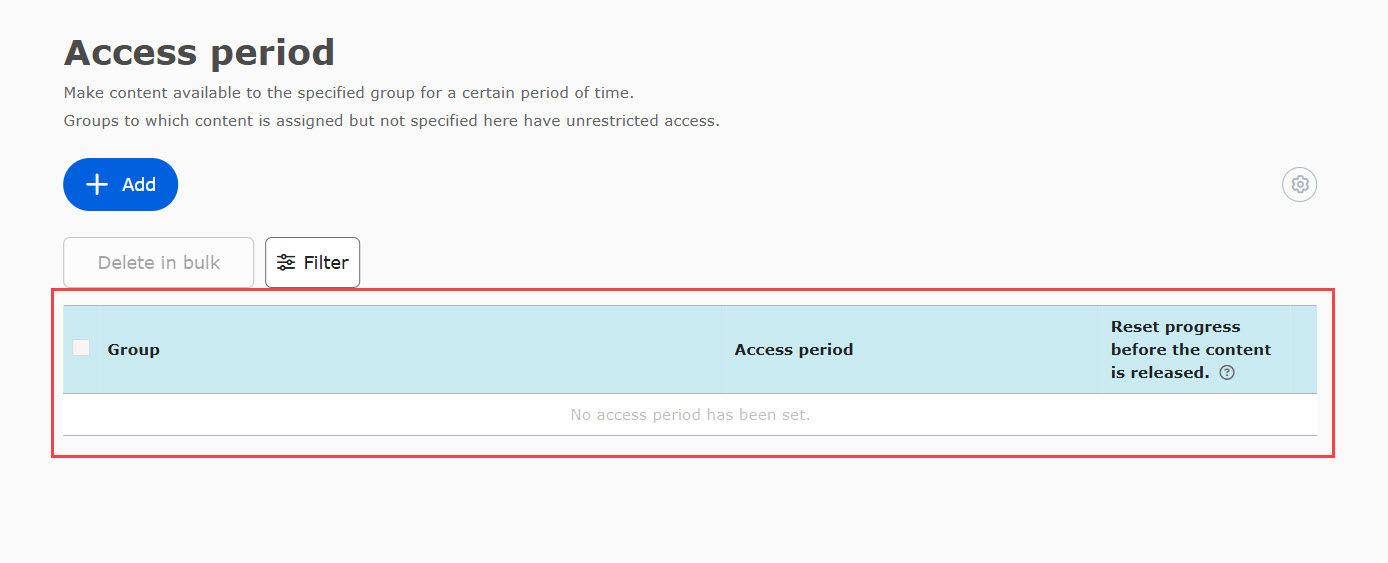
Detailed setting of publication period <Operation in Content Management (old)
This feature controls visibility permissions for the Access period settings. Specifically, it determines whether users with Content manager (Assign) permissions for a specific group can view already-configured access periods for groups outside their assigned scope when they set up an access period for a content item.
*For more details on Access period, refer to Access period.
Required
Content manager (Edit all content) + Co-admin
Settings
01. Open the settings page
Select Manage contents in the side menu.
Select the gear icon in the upper left corner of the screen > "Advanced Publication Period Settings".
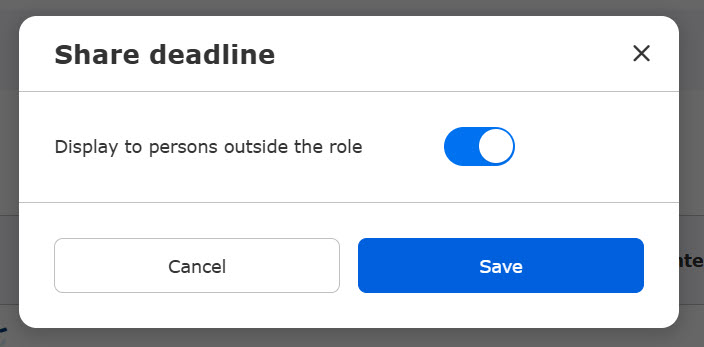
02. Share deadlines
The following window will appear.
Turn the toggle switch ON to allow Content managers to view deadlines for groups they do not have explicit permissions to manage.
User interface
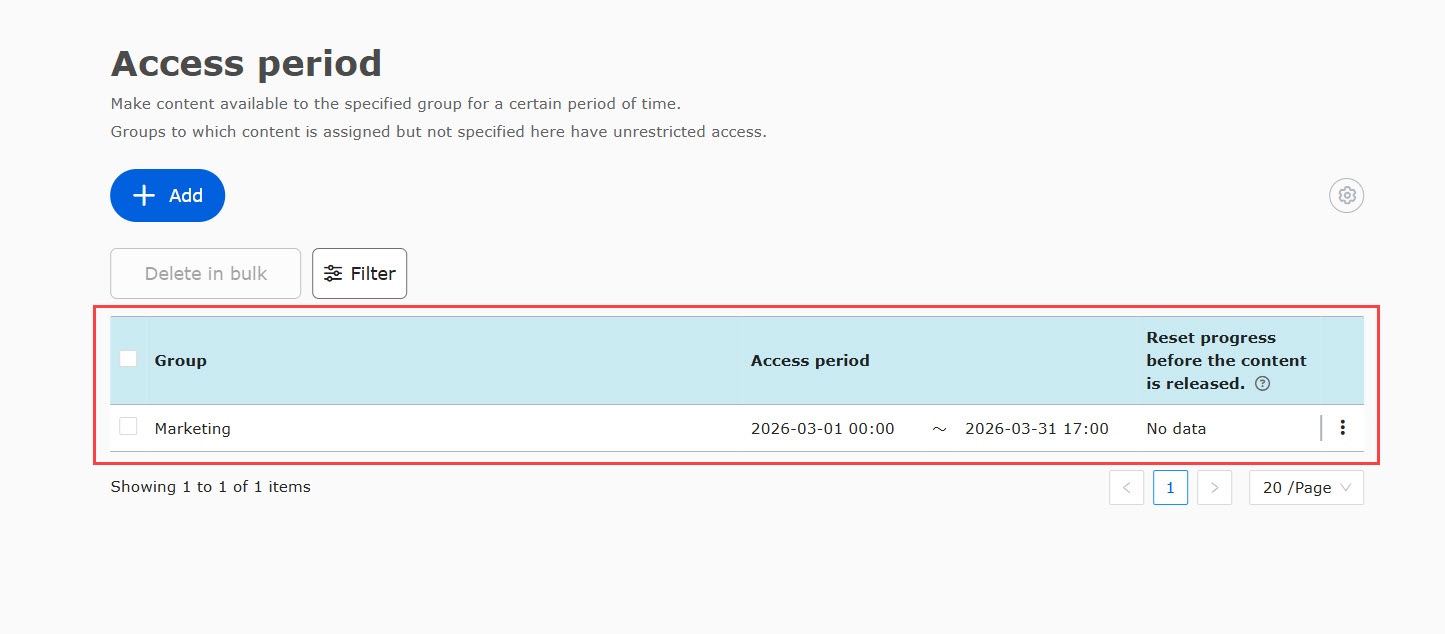
The following explains how this setting affects what is displayed on the Access period page.
01. Conditions
There is a content item titled Marketing, and an access period has already been configured for the Marketing group.
A different Content manager, who is assigned only to the Sales group, is now trying to configure a new access period for the same content.
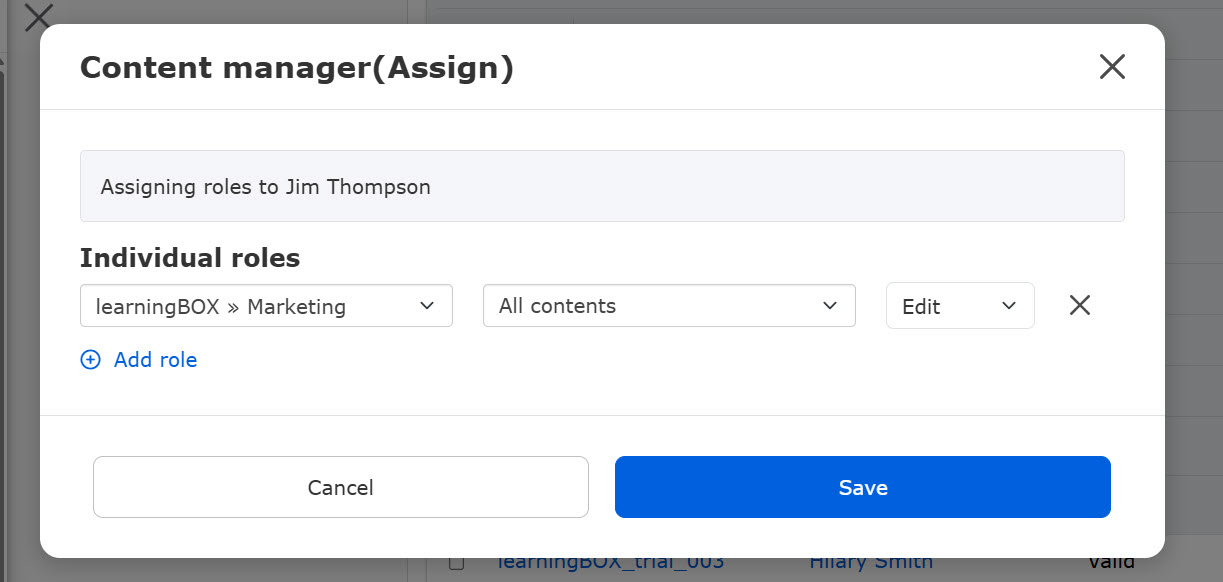
02. Open the Access period page
The Content manager assigned to the Sales group goes to the content list.
Click on the Access priod icon on the Test.
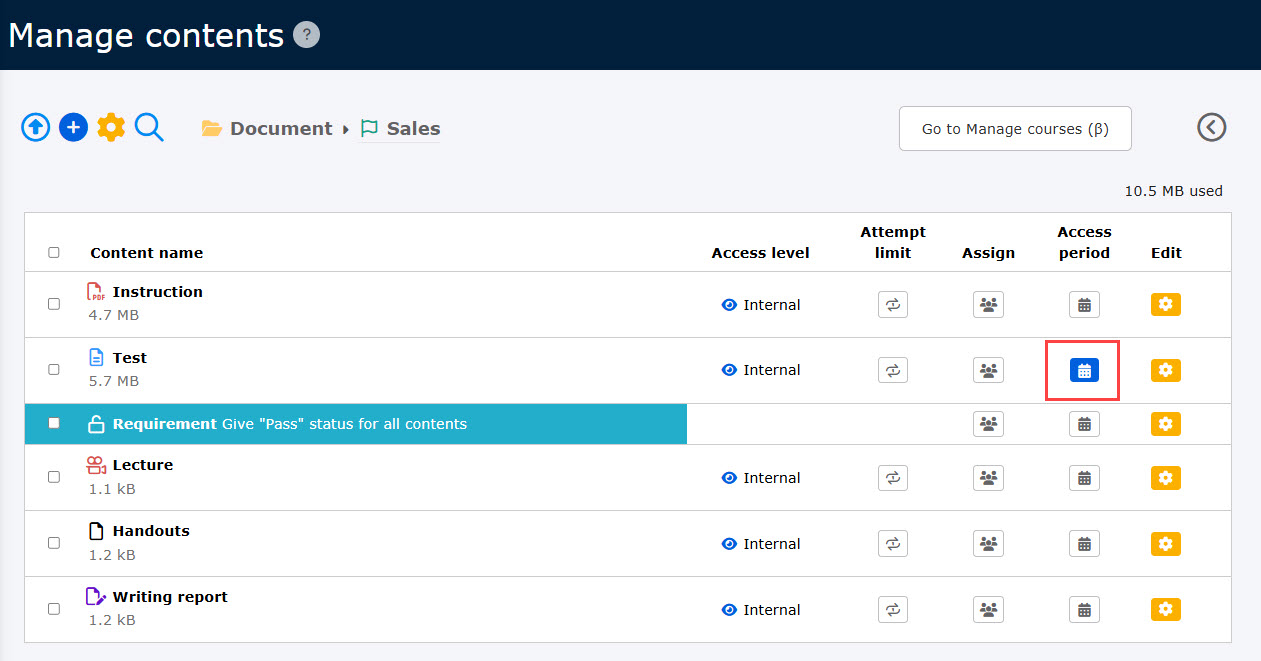
03. UI Behavior
Settings is set to On or Off.
▼ When the toggle key is set to On
The Content manager does not have the permission to the group but the content will be shown.

▼When the toggle key is set to Off
The Content manager does not have the permission to the group, and the content will not be shown either.