
Course/Folder
Multiple content can be organized using a course and folder.
Difference between course and folder
The first page of the Manage content displays only courses, which learners select to learn.
When you create multiple content, you can organize the content using folders within a course.
This will help you manage content more efficiently.
Course
The following explain courses.
Create a course
01. Go to Manage content
Select Manage contents in the side menu.
Click "+ Create new" > "Course."
02. Create a course
Enter a title of the course and save it.
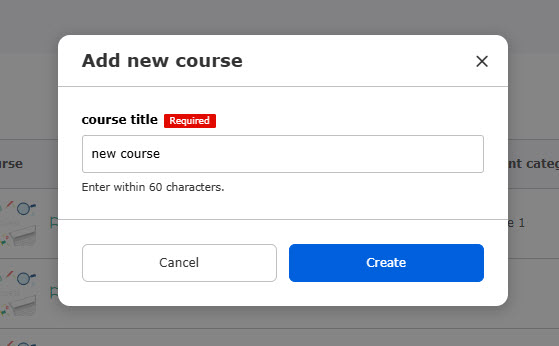
Click on the course you created.
Click on "+ Create new" to add content in the course.

Generate a course with AI
AI (via the ChatGPT API) can automatically generate a structured course simply by uploading videos or PDF files to learningBOX.
*For more details, refer to AI Assist | Automatic course generation.
Course settings
This function allows you to set a variety of options regarding a course.
*For more details, refer to Course settings.
Folder
The following explain folders.
Create a folder
Create a course before adding a folder.
01. Create a course
*For more details, refer to Create a course.
02. Go to the course you created
Click on the course you created.
Click "+ Create new" > "Folder."
03. Create a folder
Enter a title and save it.
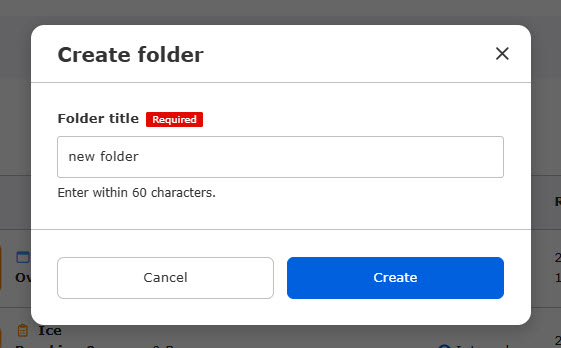
To add content in a folder, click on the folder created and click "+ Create new."